Overview
Run AI directly in the browser, compare open-source models and built-in APIs to build fast, private, cost-efficient web apps
AI doesn’t have to live in the cloud.
Modern browsers can now run models locally using WASM, WebGPU, and ONNX, thus unlocking new possibilities for performance, privacy, and cost efficiency.
In this hands-on workshop, you’ll learn how to:
Run open-source models directly in the browser
Compare them with emerging built-in browser AI APIs
Build real features inside a working application
Understand the trade-offs between both approaches
You won’t just watch demos, you’ll build a social-style app with AI-powered features like sentiment analysis, translation, speech-to-text, and text generation.
This workshop is about understanding how browser-native AI works, when to use it, and how to design for speed, privacy, and scalability.
If you care about reducing backend costs, improving user privacy, and building smarter front-end applications, this is for you.
What You’ll Get
Clear understanding of how AI runs in the browser
Hands-on experience with Transformers.js
Practical exposure to Chrome’s built-in AI APIs
Side-by-side comparison of open-source vs built-in approaches
Real implementation in a working social-style app
Speech-to-text, translation, and generation workflows
Performance, privacy, and cost trade-off insights
Code examples you can reuse in your own projects
Dedicated Q&A time throughout
Who Should Attend?
This workshop is ideal for:
Front-end developers curious about AI integration
Full-stack developers looking to reduce backend AI costs
Engineers exploring privacy-first AI architectures
Developers building interactive or social applications
Anyone interested in the future of browser-native AI
Basic JavaScript knowledge is recommended.
What Will I Be Able to Do After This Workshop?
After completing this workshop, you’ll be able to:
Run machine learning models directly in the browser
Use Transformers.js for tasks like sentiment analysis, translation, and text generation
Implement browser-native AI features using experimental Chrome APIs
Compare architectural trade-offs between client-side models and built-in AI
Design AI-powered features without relying fully on backend infrastructure
Build privacy-first AI features that reduce server costs
Confidently integrate AI into modern front-end applications
You’ll walk away with both the technical understanding and practical implementation skills to build browser-native AI experiences.
Meet Your Instructor
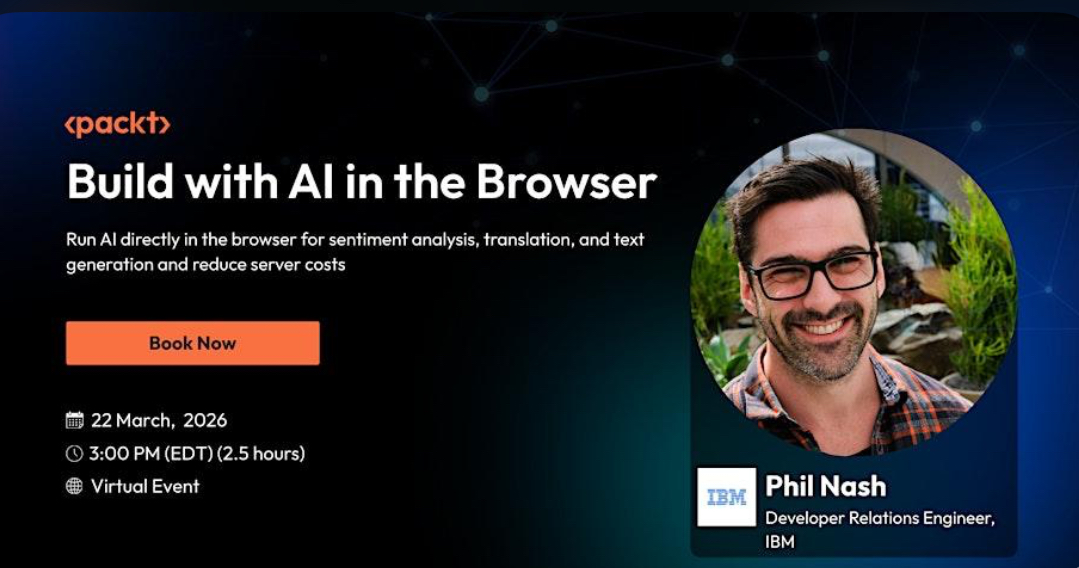
Phil Nash
Developer Relations Engineer at IBM
Phil Nash is a developer relations engineer for Langflow at IBM. Sometimes he writes code on stage in front of a crowd, hoping everything just works. Sometimes he writes open source code, which is much less stressful because if it is wrong someone else can correct it. He writes code in tweets or toots sometimes, but not much fits.
Event Date: 22 Mar, 2026
Timeline: Sunday, Mar 22 from 8:30pm to 11pm WAT
Address: Online event
Cost: 81
Posted By: Anne Sawyer

At LocalBridge AI, we believe that the best connections start close to home.
We're building a smarter way for people to discover trusted local businesses, find nearby jobs and gigs, attend community events, and stay informed all in one easy-to-use platform powered by AI.
Whether you're a small business looking for visibility, a neighbor offering services, or someone searching for reliable local info, LocalBridge AI helps you connect faster, safer, and more meaningfully.
We combine intelligent search tools with real-time community input to bring you only the most relevant results no noise, no clutter.
To make local life easier, safer, and more connected — using technology that understands your community as well as you do.
A world where every local business thrives, every neighbor is empowered, and every community feels closer thanks to AI.
Join us and build better bridges in your neighborhood.
discover more about us